

According to a 2023 Gartner report, 67% of automation projects fail due to preventable workflow design errors. As you build your n8n workflows, these seemingly minor oversights can cascade into major operational disruptions, consuming valuable development time and resources. You’ll face challenges with scaling, security vulnerabilities, and maintenance headaches unless you recognize the critical pitfalls that even experienced automation developers frequently encounter. The five mistakes building n8n workflows outlined next will transform how you approach workflow architecture.
Key Takeaways
- Neglecting to implement error handling workflows leads to catastrophic failures when unexpected errors occur.
- Building monolithic workflows with too many nodes creates performance bottlenecks and maintenance challenges.
- Hardcoding credentials and overlooking security protocols puts sensitive data at risk of breaches.
- Failing to document workflows properly hampers team collaboration and makes troubleshooting difficult.
- Skipping regular backups and restore testing makes it impossible to recover after system failures or mistakes.

Get a free 30-minute workflow audit where I’ll review your n8n setup and identify the critical issues costing you time and money.
Ignoring Proper Error Handling and Recovery Mechanisms
When building complex N8N workflows, overlooking proper error handling can lead to catastrophic workflow failures that remain undetected until significant damage occurs.
You’re leaving your automation vulnerable if you haven’t configured dedicated error workflows triggered by the Error Trigger node. Implementing workflow automation can significantly enhance your system’s reliability and reduce the chances of error.
Neglecting dedicated error workflows is like running your automation without a safety net—inevitable failures will go unnoticed.
Don’t make the mistake of treating error handling as optional. Implement robust logging that captures workflow name, failed node, and input data. Connect these error workflows to notification systems like Slack or email to guarantee immediate awareness of failures.
Configure node-level settings strategically—use “Continue” for non-critical errors and “Stop Workflow” for critical ones.
Your recovery strategies should include automated fallbacks and retry mechanisms with appropriate timeouts.
Remember that you can’t manually test error workflows—they only run during actual failures, so designing them thoughtfully from the start prevents costly disruptions. You can use the Stop And Error node to intentionally trigger failures and validate your error handling setup.
For maximum resilience, implement a centralized error workflow that acts as mission control to track and address all failures across your automation ecosystem.
Not Optimizing Workflows for Performance and Scalability
Beyond error handling, the performance and scalability of your N8N workflows directly impact their long-term viability. When you neglect workflow optimization, you’re setting yourself up for bottlenecks as automation needs grow.
Avoid creating monolithic workflows exceeding 10-14 nodes; instead, modularize using the “Execute Workflow” node to improve maintainability and enable parallel processing. Implementing data mapping strategies can streamline information flow between nodes, reducing complexities and enhancing performance. You’re missing opportunities when not batching API calls or implementing proper caching strategies that reduce network overhead. Choosing between sequential or parallel API calls significantly affects your workflow’s overall efficiency.
Geographic proximity matters too—positioning n8n instances close to external services dramatically reduces latency. Implementing version control systems allows your team to track performance improvements across workflow iterations.
Scalability considerations should include monitoring execution metrics and implementing systematic version control.
Remember that thoughtful batch sizing and rate limiting prevent resource exhaustion and API throttling.
I’ll help you redesign your n8n architecture for maximum performance and growth—without starting from scratch.
Overlooking Security Best Practices for Sensitive Data
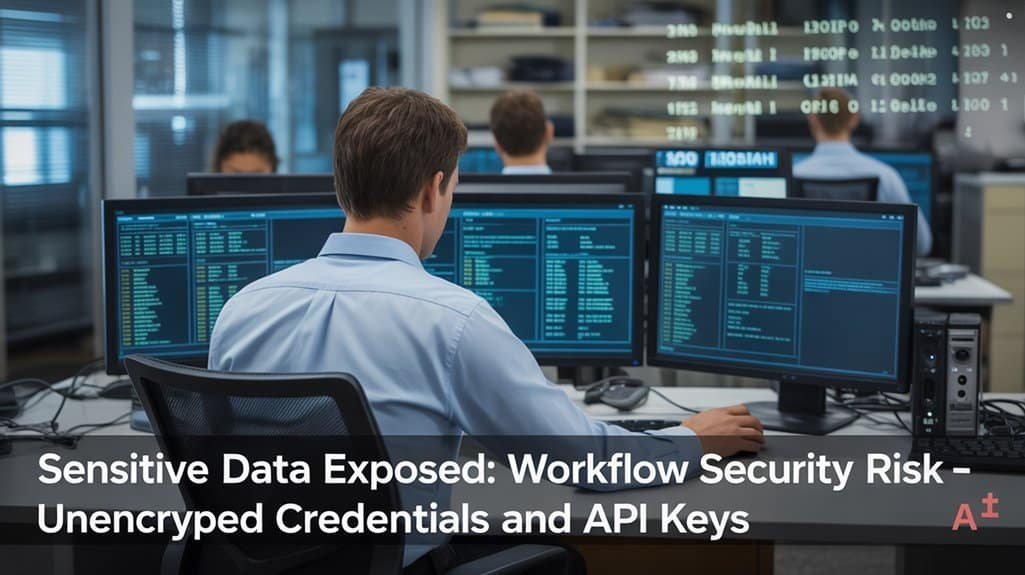
Security vulnerabilities in n8n workflows often stem from inadequate protection of sensitive data, creating significant organizational risks. When you hardcode credentials directly in workflows instead of utilizing n8n’s encrypted credential manager, you’re exposing your organization to potential breaches.
Proper credential hygiene demands regularly rotating API keys, removing unused credentials promptly, and implementing strict access control measures. Enforce two-factor authentication for all user accounts and implement SSO for centralized management.
Apply the principle of least privilege by restricting sensitive node access to authorized users only. Implementing browser fingerprint isolation prevents cross-contamination of sessions when managing multiple accounts in your workflows. For extensive protection, design workflows that validate SSL certificates, use HTTPS-only webhooks, and implement automated security checks.
Remember that effective security isn’t a one-time setup but requires continuous monitoring, regular audits, and immediate response to potential vulnerabilities. Integrating with external secret providers like AWS Secrets Manager can significantly enhance your credential security posture.
Skipping Documentation and Workflow Organization
Neglecting proper documentation and organization in n8n workflows greatly hampers team collaboration and future maintenance efforts. Without clear documentation, team members struggle to understand workflow purposes and troubleshoot issues efficiently.
| Documentation Element | Purpose | Implementation Method |
|---|---|---|
| Node descriptions | Explains each component’s role | Add notes to each node |
| Data flow diagrams | Visualizes complex interactions | Use annotations or external docs |
| Naming conventions | Standardizes identification | Create consistent prefixes/suffixes |
| Version history | Tracks changes over time | Implement Git or JSON exports |
| Error handling notes | Documents failure points | Add retry logic documentation |
Maintain workflow clarity by grouping related nodes logically and limiting workflows to 10-14 nodes when possible. Update documentation alongside workflow changes to guarantee accuracy. Employing modular design principles allows you to create reusable workflow components that simplify maintenance and scalability. Documenting external service credentials ensures proper integration with platforms like Discord and Airtable when setting up notifications and data management functions. Remember that well-organized workflows mirror real-world processes, making your automation intuitive for all team members working with your n8n setup.
Neglecting Regular Updates and Backup Procedures
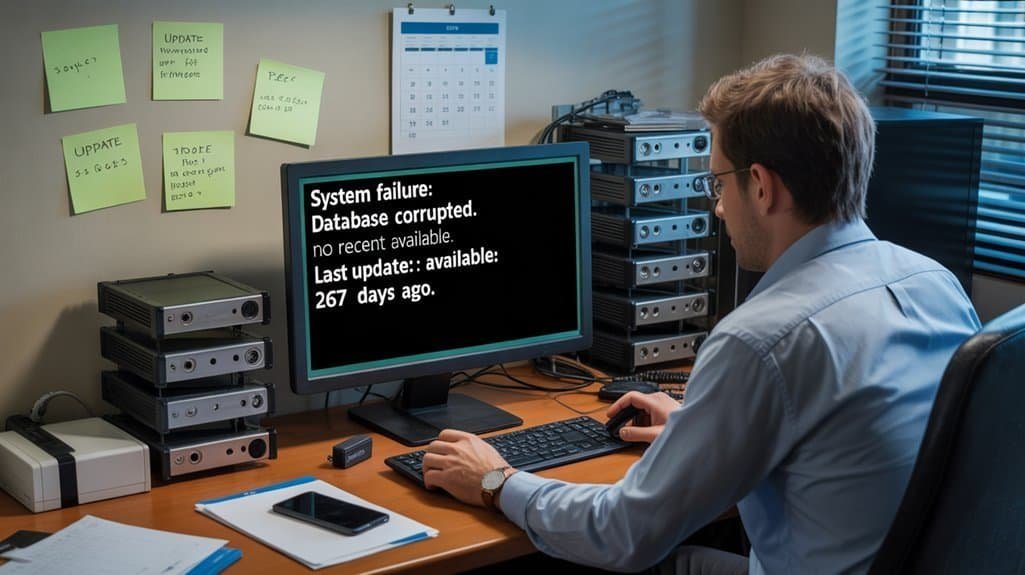
When organizations fail to establish consistent backup procedures and update routines for their n8n workflows, they risk catastrophic data loss and extended service disruptions.
Your workflow infrastructure requires systematic protection through thorough backup automation that captures not just workflow definitions, but also credentials, environment variables, and integration secrets.
Protect your workflow ecosystem comprehensively—backup definitions, credentials, variables, and secrets through systematic automation.
To properly safeguard your automation ecosystem:
- Export workflows to JSON format regularly – implement automated scripts that handle bulk exports to secure, encrypted storage locations
- Implement multi-location backup storage – utilize version control systems and geographically distributed repositories to prevent single-point failures
- Perform routine restore validation – regularly test your backup integrity by simulating failures and verifying complete restoration of all workflow components
Don’t wait for disaster to discover your backups are incomplete or incompatible with current versions. Regular backups allow you to experiment with configurations without fear of permanent damage to your intricate workflows and integrations. Crashes or misconfigurations can lead to complete data loss if proper backup strategies aren’t implemented.
Frequently Asked Questions
Can I Migrate Workflows Between Different N8n Instances?
Yes, you can migrate workflows between n8n instances using API-driven workflow migration, which transfers all nodes, connections, and settings accurately—or via Docker volumes for self-hosted environments.
How Do Workflows Handle Daylight Saving Time Changes?
Time waits for no workflow! You’ll need to set timezone handling explicitly in your n8n instance or individual workflows to guarantee proper workflow scheduling during DST changes. Otherwise, triggers may run an hour off.
What’s the Maximum Number of Concurrent Executions N8n Supports?
Your n8n concurrency depends on your plan. Starter supports 5, Pro allows 20, and other plans handle up to 50+ concurrent executions. You’ll need to configure execution limits in your concurrency settings appropriately.
Are There Tools to Analyze Workflow Execution Metrics?
With n8n handling 220 executions per second, you’ll find robust tools for workflow performance analysis. You can leverage built-in execution logs, specialized dashboards, n8n Evaluations, and integration with Grafana/Prometheus for thorough metrics.
Can Webhooks in N8n Work Behind Corporate Firewalls?
Yes, your webhooks can work behind corporate firewalls using reverse proxies, secure tunnels, or relay services. Configure your corporate proxy properly and implement webhook security with HTTPS encryption and payload validation.
Don’t Ignore These Five Critical Mistakes When Building N8N Workflows!
By avoiding these five critical mistakes, you’ll create more reliable, efficient, and secure n8n workflows. Have you considered how proactive error handling, performance optimization, and security measures can drastically reduce downtime? Don’t neglect proper documentation and organization—they’re essential for troubleshooting and collaboration. Remember to implement regular backups and updates to protect your workflows from data loss and guarantee they’re running with the latest functionality.
Schedule a consultation to transform your n8n workflows into reliable, scalable automation that actually delivers ROI. I’ll show you exactly what needs to change.