

If you’re running a small business on a tight budget, choosing an n8n hosting solution in 2025 isn’t just about cutting costs; it’s about squeezing maximum reliability and performance from every dollar. You need predictable pricing, simple setup, and enough headroom for workflows that may spike under load. Between low-cost VPS providers, beginner-friendly panels, and even home lab options, the right choice depends on one critical factor you might be overlooking…
Key Takeaways
- Self-hosting n8n on a small Ubuntu VPS ($5–$10/month) gives unlimited workflows, full data control, and best long-term cost efficiency.
- DigitalOcean and Hostinger offer budget-friendly starter VPS plans, simple scaling, backups, and beginner-friendly tooling ideal for small teams.
- Contabo, ScalaHosting, and Ultahost provide high CPU/RAM per dollar, 1-click n8n installs, and EU data center options for GDPR-focused businesses.
- Start with minimal specs (1 vCPU, 2 GB RAM) and scale resources only as workflow executions and revenue grow.
- N8n Cloud is simpler but costs from €20/month with execution limits, while self-hosted VPS shines for heavy or rapidly growing automation needs.
Why Small Businesses Should Self-Host as an n8n Hosting Solution in 2025
Although hosted automation platforms look convenient, self-hosting n8n in 2025 gives small businesses far more control over costs, data, and infrastructure. On top of that, n8n’s Community Edition also allows unlimited workflows, so your automation can grow without licensing friction. You avoid recurring SaaS fees because the Community Edition is free and VPS options start near $5 per month, or you can run on a Raspberry Pi with practically zero ongoing hosting cost.
By utilizing workflow automation, you can streamline your operations and eliminate manual tasks, enhancing efficiency across your business.
Those self-hosting benefits let you scale usage without execution caps, per-seat licenses, or tier-based node limits. You decide concurrency, schedule workflows as often as you need, and allocate CPU, RAM, and storage based on real load.
With full data residency on your own servers, you simplify GDPR alignment, tighten security, and reveal deep Workflow customization, including custom nodes tailored to your team’s systems without sacrificing reliability or long-term maintainability. Self-hosting also lets you implement your own security measures, such as network isolation and access controls that fit your existing infrastructure.
Key Criteria for Budget-Friendly N8n Hosting
Once you’ve decided that self-hosting n8n makes financial and technical sense, the next step is to choose infrastructure that stays within budget without bottlenecking your workflows. Where possible, choose a Linux VPS running Ubuntu 24.04 LTS to get a stable, well-supported base for n8n.
Start by mapping workloads: light automations can live on 1 vCPU, 2 GB RAM, and 20 GB SSD, while production teams usually need 2 vCPU, 4 GB RAM, and fast SSDs. Budget $5–$10/month for that baseline, plus DNS, SSL, and backups. Automating tasks can lead to a 40-60% increase in efficiency, which is essential when allocating your resources for hosting.
Map your workloads early: start small, budget $5–$10/month, and reserve room for DNS, SSL, and backups
Prioritize providers that offer clear scalability options so you can move to 8+ vCPU and 16+ GB RAM as executions grow. Self-hosted n8n also gives you stronger control over data privacy and security compliance because workflows never leave infrastructure you manage.
Plan for server maintenance: OS, Node.js, and n8n updates, hardened firewalls, monitoring, and automated snapshots.
With basic Linux skills and disciplined patching, you’ll keep costs predictable while protecting your community’s data and supporting reliable, shared automation.
Digital Ocean: Flexible Cloud Hosting With Generous Trial Credit

Because you’re likely balancing tight budgets with real uptime requirements, DigitalOcean is a strong fit for small teams self‑hosting n8n: Droplets start around $4/month, you get transparent per-VM pricing with vertical and horizontal scaling, and new accounts receive $200 in credit over 60 days to test configurations without risk. With an overall user rating of 4.6, it’s also approachable for small teams that may not have deep cloud infrastructure expertise in-house. Additionally, understanding n8n’s workflow structure can help optimize your automation processes for better efficiency.
You can pin a baseline Droplet for your core n8n worker, then scale out additional nodes across 14 global data centers as workloads spike. If your automations also need a persistent data layer, DigitalOcean’s Managed Databases can host workloads like PostgreSQL or Redis without extra ops overhead. Cloud Scalability stays manageable because bandwidth is generous: 500 GiB outbound per Droplet, pooled across instances, with extra transfer at $0.01/GiB and free inbound traffic. Spaces storage adds 1,024 GiB outbound for $5, ideal for file-heavy workflows. Transparent Pricing and a 99.99% uptime SLA let your team budget while meeting expectations.
Hostinger: Beginner-Friendly N8n Hosting for Tight Budgets
When you need to run N8n on a tight budget, Hostinger’s starter VPS plans let you hit the minimum technical specs without overspending on unused capacity. You can start with a low-cost KVM 1 VPS and still get the CPU, RAM, and SSD performance necessary for small automation workloads. Hostinger’s stack is also integrated with Cloudflare security, adding an automated layer of performance optimization and protection against common online threats without extra setup on your part.
Proper error handling workflows ensure that your automations remain reliable even on a budget. From there, you’ll manage N8n through a straightforward control panel that streamlines tasks like firewall rules, backups, and basic monitoring so you can focus on building workflows instead of wrestling with server internals. You can even use the special partner link to get an additional 10% discount on your Hostinger plan, keeping costs even lower as you scale.
Budget-Friendly Starter Plans
Although many VPS providers advertise “cheap” servers, Hostinger’s n8n-ready plans are genuinely cost-optimized for small automation deployments, starting at $4.99/month for the KVM 2 tier with 2 vCPUs, 8 GB RAM, and 100 GB NVMe SSD storage. Every VPS plan also includes automated weekly backups to safeguard your n8n instances without additional configuration, which is crucial in preventing authentication and API credential failures. You get enough headroom for medium-scale workflows while still following best practices for isolation and performance. Monthly billing and a 30-day money-back guarantee create predictable cost savings and low-risk experimentation for your team. Every plan also includes a free .cloud domain for the first year, which reduces your initial setup costs even further.
You can grow at your own pace:
- Start on KVM 2, validate core automations, and benchmark resource usage.
- Move to KVM 4 or KVM 8 only when throughput metrics justify the upgrade.
- Apply coupon code CNHOSTVPS to keep spend aligned with revenue.
This path lets you iterate quickly without overcommitting capital.
Simple Control Panel Management
For many small teams, Hostinger’s VPS control panel removes most of the operational overhead of running n8n, so you can focus on building automations instead of managing servers. This self-hosted approach can also unlock significant cost savings compared to comparable managed cloud automation plans, especially as your workflow count scales over time.
You get a user friendly interface with intuitive navigation, pre-configured n8n images, and one-click deployment, so your stack goes live in minutes, not days.
Pick your OS, data center region, and template variant—standard, queue mode, or bundles with 100+ ready-made workflows—to match your workload and budget.
From the same panel, you harden security and keep costs predictable. Hostinger’s ongoing investment in AI advancements means you can expect even more automation features to reduce manual server management over time. Configure firewalls, SSH keys, and SSL, enable Wanguard DDoS protection, and schedule automated backups and snapshots.
Monitor CPU, RAM, and NVMe disk usage in real time, then right-size or upgrade your VPS before performance issues impact revenue and growth.
Contabo: Flat-Priced N8n Servers With Strong Resources
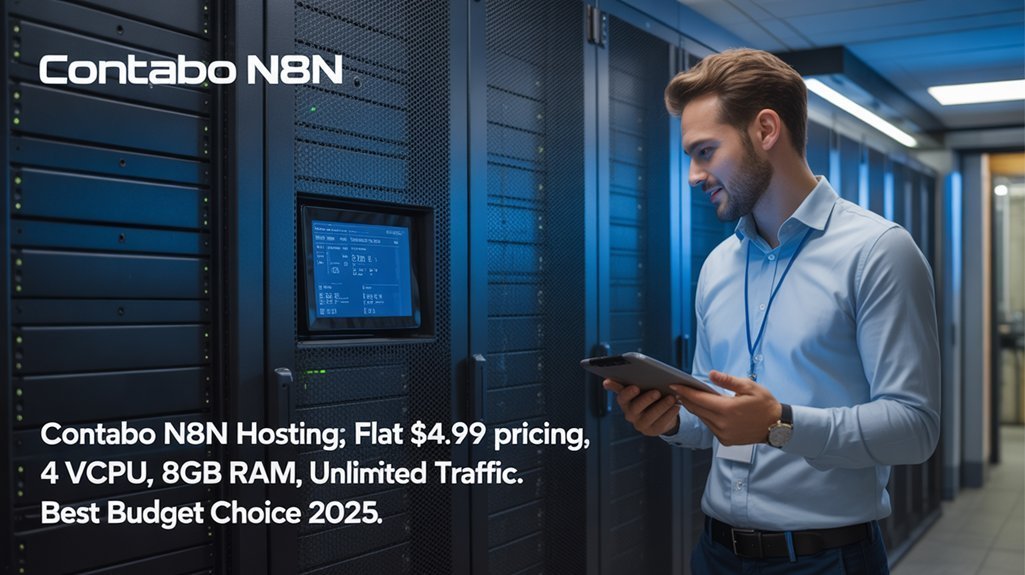
Because n8n quickly becomes resource-hungry in real-world use, Contabo’s flat-priced VPS and VDS servers give you unusually strong CPU, RAM, and NVMe storage per dollar, with 1‑click n8n installation included on every plan. You can also extend your setup with Contabo’s n8n Hosting, Nextcloud, and WireGuard as free add-ons that install in a single click.
You get Contabo advantages like dedicated vCPUs, guaranteed RAM, and NVMe on even the $4.95/month tier, so you can run real automations without babysitting resource spikes.
Docker support and VPS flexibility let you isolate staging, production, and side projects on one host while keeping costs predictable.
- 4 vCPU / 8 GB RAM / 75 GB NVMe is enough for serious early-stage workloads
- Auto backups and SSL keep your workflows resilient and secure
- EU data centers help you meet GDPR and data sovereignty expectations while aligning with client trust.
Scalahosting: Managed VPS for Hassle-Free N8n Deployment
Contabo gives you strong raw resources at a flat price, but if you’d rather offload server care and keep your focus on building workflows, ScalaHosting’s managed VPS is the more hands-off n8n option.
With NVMe-powered instances, dedicated IP, and free sPanel, you get managed VPS benefits like file and database managers, SSH key control, DNS tools, and monitoring without extra licensing costs. You also gain from 99.9% uptime guarantees common among quality n8n VPS providers, helping ensure your workflows run continuously without interruption.
Vertical scaling lets you add CPU, RAM, or storage with no downtime as your automations grow. ScalaHosting also provides pre-installed n8n and free migration to simplify the initial setup for your automations.
SShield, firewalling, SSL, spam filters, and automated daily backups deliver hassle free management of security and resilience, so your team can safely collaborate.
For most small businesses, Build 1 or 2 offers enough headroom for Docker- or Node.js-based n8n stacks without breaking your limited IT budget.
Ultahost: High-Performance VPS Optimized for N8n Workflows
Ultahost targets small teams that need high-performance n8n hosting without losing cost control, pairing fast hardware with managed support on every VPS plan. You can start at $4.80/month and still tap AMD 4.2 GHz CPUs, DDR5 RAM, and NVMe storage tuned for serious N8n performance. VPS hosting further ensures you benefit from dedicated resources that keep your automations stable even as usage increases.
UltaHost features like 1 Gbps throughput, 30+ global data centers, and integrated caching keep workflows responsive even during campaign spikes. You also get a 99.99% uptime guarantee so mission-critical automations remain accessible whenever your team needs them.
You deploy quickly, then tune containers, queues, and webhooks with full root access and a predictable bill.
Key implementation wins include:
- Managed stack with NGINX, PHP-FPM, and MySQL/MariaDB plus Docker support on higher tiers
- Weekly off-site backups, free snapshots, DDoS and BitNinja protection
- Flexible scaling from 1–3 cores and 1–4 GB RAM as automations grow reliably.
Self-Hosted Options: Raspberry Pi and Home Lab Setups
When you self‑host n8n on a Raspberry Pi or in a small home lab, you trade power for cost control and infrastructure ownership. Self‑hosting n8n simply means running it on your own infrastructure instead of n8n Cloud, giving you more control over data and configuration. A Raspberry Pi setup starts with a Pi 5, 8GB RAM, active cooling, and NVMe SSD instead of microSD to survive workflow automation writes. Before you deploy n8n, make sure to update your Raspberry Pi with the latest packages and security fixes using apt so the system stays stable and secure.
| Layer | Recommended | Reason |
|---|---|---|
| OS | Raspberry Pi OS | Debian base |
| Storage | NVMe SSD | Durable speed |
| Network | Ethernet + PoE HAT | Reliable |
| Install | Docker Compose | Simple updates |
You expose port 5678, secure SSH, and run n8n as a system service. Enable log rotation and htop so your small-business stack stays trustworthy for reliable everyday internal and client workflows.
Cost Comparison of Popular N8n Hosting Providers
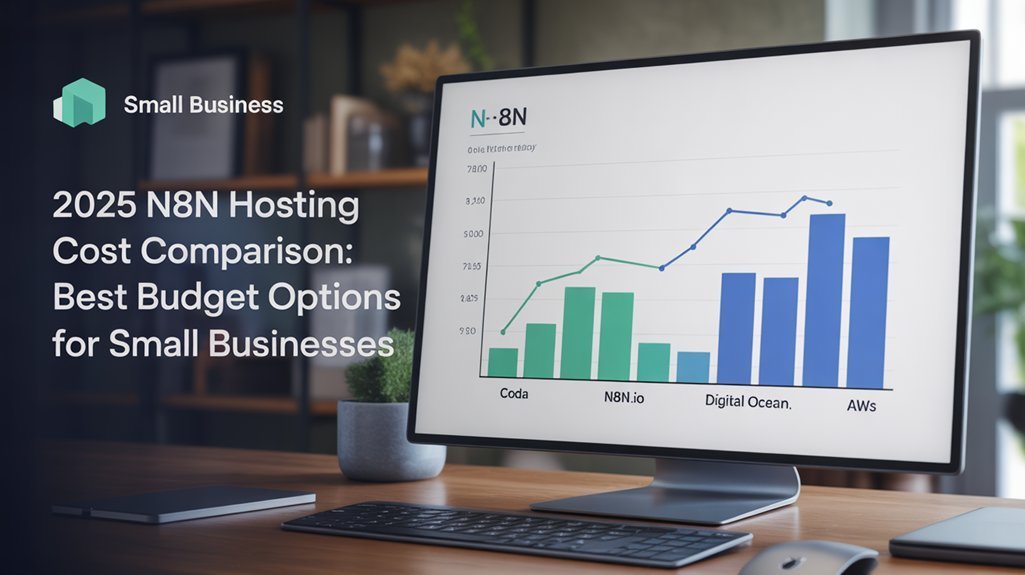
A clear cost comparison starts by lining up n8n Cloud against VPS and specialized n8n hosts so you can see what you’re really paying for: executions, resources, and maintenance.
N8n Cloud begins at $20/month for 2,500 executions, bundling backups, security, and updates into a predictable bill. Entry VPS plans from DigitalOcean, Hetzner, Vultr, Linode, or Lightsail hover around $5/month, trading bundled services for lower raw infrastructure costs. However, self-hosting on a VPS can introduce hidden costs for security, backups, and maintenance that often push real monthly spending well beyond the sticker price.
Hostinger’s n8n-focused tier starts at $5.99/month, renewing at $9.99, targeting lean small-business deployments.
- Evaluate cost efficiency using executions per dollar, RAM per dollar, and storage per dollar as baseline performance metrics.
- Map hidden costs—bandwidth, backups, monitoring, incident response—so self-hosted VPS prices remain honest.
- Model growth: compare n8n Cloud’s upgrades with scaling a $5–$40+ VPS for stable spend.
Choosing the Right N8n Hosting Plan for Your Small Business
How do you pick an n8n hosting plan that fits your current workflows without boxing in your future growth or overspending on infrastructure?
Start by mapping workflow optimization needs: most small teams run 20–100 active workflows. If you’re non-technical and just validating automation, a €20/month cloud Starter plan gives managed hosting, email support, and enough executions for lean process alignment, but only one editor.
If you expect rapid scale or complex integrations, self-hosted on a $3–$5 VPS delivers unlimited workflows and users, plus community nodes, at the cost of Linux/Docker maintenance.
For collaborative teams, favor cloud Pro/Business or self-hosted with Git-based deployment.
Always match pricing to projected executions, not vanity features you won’t implement this year. That discipline keeps cash free for real growth.
Frequently Asked Questions
How Do I Migrate Existing Zapier or Make Automations to a Self-Hosted N8n Server?
You export Zapier/Make workflows as JSON, document triggers, then rebuild or import them into self-hosted n8n, validating automation compatibility, testing parallel runs, hardening credentials, logging, and error handling to complete a low-cost, controlled migration process.
Can I Run Multiple Client Workspaces or Tenants on a Single N8n VPS?
You can simulate multiple tenants on one n8n VPS by running separate Docker containers per client, designing a pseudo multi tenant architecture, carefully planning resource allocation, externalizing credentials, and enforcing strict workflow-level isolation and monitoring.
What’s the Best Way to Back up N8n Workflows and Credentials Automatically?
Guard your automations like a shared vault: schedule n8n API workflow exports and credential management dumps via cron, compress with tar, encrypt, then sync to cheap S3-compatible storage, rotating versions with scripts so everyone’s protected.
How Can I Securely Expose My Self-Hosted N8n to the Internet Behind NAT?
Expose n8n via Cloudflare Tunnel or SSH tunneling, avoiding direct port forwarding, then secure HTTPS with Let’s Encrypt, enable OAuth2 and MFA, restrict IPs, log access, and combine dynamic DNS with firewall rules for reliability.
Are There Low-Cost Ways to Monitor N8n Uptime, Errors, and Performance Metrics?
Don’t you want low-cost, reliable visibility? Combine UptimeRobot health checks for uptime tracking, Google Sheets workflows for structured error logging, Prometheus + Grafana for deep performance monitoring, and Sentry with Telegram alerts as budget tools.
Consider These n8n Hosting Solutions for Your Next Project!
When you self‑host n8n in 2025, you control costs, performance, and security instead of paying rising SaaS fees. Start with a $5–10/month VPS on DigitalOcean, Hostinger, Contabo, or Ultahost and size CPU/RAM to your workflow volume. For example, a small agency can run 50+ client automations on a 2 vCPU/4 GB VPS, using off‑site backups and monitoring, then scale vertically or horizontally only when workflow latency or queue depth demands it.