

Imagine your n8n workflow as a complex machine with dozens of moving parts—each needing careful inspection before deployment. You’ve built impressive automation sequences, but without proper testing, they’re like untested bridges spanning critical business processes. To test n8n workflows requires both technical precision and methodical validation strategies that go beyond simple trigger checks. Your automation ecosystem deserves a thorough quality assurance approach that can detect issues before they impact your operations. Let’s explore how you’ll master this critical skill.
Key Takeaways
- Configure dedicated staging environments using Docker with separate databases for isolated workflow testing.
- Generate comprehensive test data using the Set node, JSON templates, or n8n Faker node to simulate production scenarios.
- Implement inline debugging with console.log() in Code nodes and pin data at key workflow stages for state examination.
- Establish unit testing frameworks that validate individual components and complete processes through automated test runs.
- Monitor performance metrics and set up alerting thresholds to catch issues early and ensure workflows meet quality standards.
Understanding Workflow Testing Fundamentals in N8n
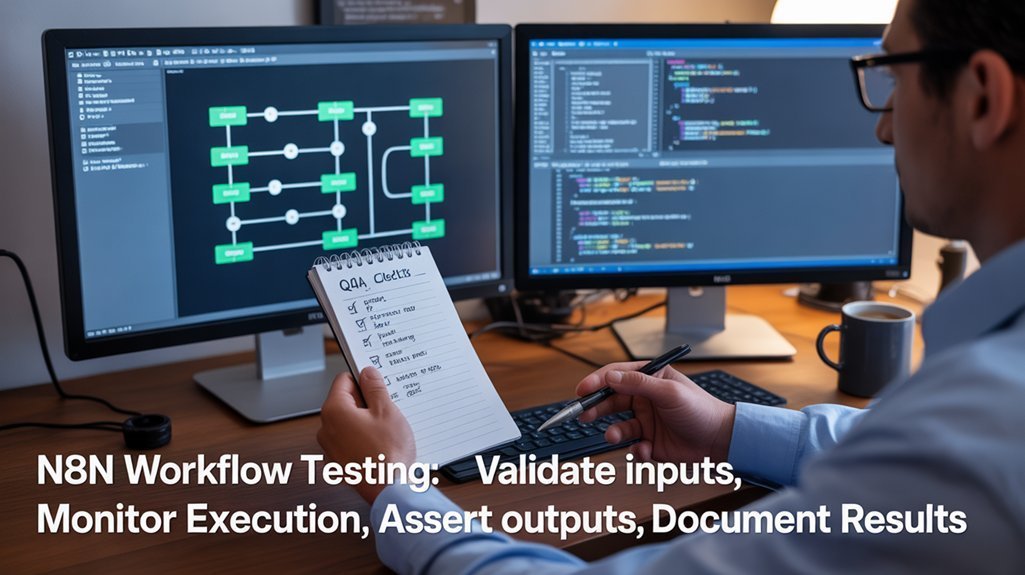
While automation workflows can simplify complex business processes, they must be thoroughly tested before deployment to avoid costly errors. N8n workflow testing validates your automation’s core components: input handling, transformation logic, and output accuracy.
Effective testing strategies follow the natural workflow sequence (Input → Transform → Output), verifying each phase independently to guarantee workflow effectiveness. By pinning node outputs, you can simulate various scenarios without repeatedly calling external services—saving time and resources during development. Additionally, optimizing workflows by analyzing execution logs helps you identify performance bottlenecks that could affect the testing phase.
Create reusable components for common functions like error handling and notifications to improve testing efficiency. This modular approach enables you to isolate issues quickly and build confidence in your automation’s reliability. Implementing feature flags allows you to toggle external calls and isolate side effects during testing, making your validation process more controlled and precise. N8n provides HTTP Request nodes for seamless API interactions when integrating Flow with Headless Testing services.
Remember that thorough testing isn’t just about finding bugs—it’s about validating that your workflow delivers the business value you intended.
Setting up Your N8N Testing Environment
To establish an effective N8n testing environment, you’ll need to configure a dedicated staging instance using Docker with appropriate volume bindings to separate it from production workflows. Implementing workflow automation can greatly simplify your testing process by ensuring consistency and reducing manual errors.
You should implement environment variables to control database connections and webhook URLs specific to your testing scenarios. Generate realistic test data that mimics your production inputs using JSON templates or the n8n Faker node to guarantee your workflow tests accurately represent real-world conditions. Ensure you have Node.js version 18.17.0 or higher installed on your system to support all testing functionality. For custom node development testing, consider mounting the dist folder from your local repository to the Docker container for seamless integration and updates.
Staging Environment Setup
Setting up a robust testing environment forms the foundation of successful N8n workflow testing. Your staging environment should mirror production while providing a safe space for testing changes.
Proper environment isolation guarantees your production workflows remain unaffected during development and testing phases.
- Create separate n8n instances with dedicated databases for staging and production
- Implement environment-specific credentials and variables using .env files for credential management
- Configure distinct network settings and DNS subdomains for each environment
- Use Git branches that correspond to your environments (staging, production)
- Deploy using Docker Compose or Kubernetes with environment-specific configurations
When your staging environment accurately reflects production, you’ll confidently test workflow changes before deployment, minimizing risks and guaranteeing smooth operations.
For budget-conscious teams, using a single n8n installation for both staging and production environments can effectively streamline resource management while still maintaining proper separation.
Consider leveraging the visual workflow editor that n8n provides to design and test your automation logic without writing code, making it accessible for both technical and non-technical team members.
Testing Data Generation
Creating reliable test data represents a critical foundation for your N8n workflow testing strategy. The Set Node offers the most direct approach, allowing you to craft static test inputs that mimic production data without external dependencies.
Implement diverse mock data strategies by utilizing HTTP Request nodes to fetch API data or generating random values through no-code workflows. The Set Node supports various data types, including strings, numbers, booleans, arrays, and object types for complex structures. This combination guarantees your tests cover typical scenarios while maintaining consistency across test runs.
Don’t overlook edge case considerations—deliberately include empty values, special characters, and boundary conditions in your test datasets. For thorough validation, assemble test cases with expected outputs for both light pre-deployment testing and metric-based evaluations.
When troubleshooting, leverage Chat Trigger tools to test individual nodes, examining their inputs and outputs before integrating them into your complete workflow. Remember that in n8n, workflows consist of connected nodes that perform specific tasks, making isolated testing essential for accurate results.
Inline Logging and Debugging Strategies
Effective workflow troubleshooting depends on proper logging implementation, which serves as your window into n8n’s execution processes.
By leveraging inline logging techniques and debugging best practices, you’ll gain visibility into your workflow’s internal operations.
- Use `console.log()` within Code nodes to capture data states at critical transformation points
- Configure `N8N_LOG_OUTPUT=file` for persistent logs that can be easily shared with team members
- Set appropriate log levels with `N8N_LOG_LEVEL=warn` to reduce noise while preserving important messages
- Implement strategic data pinning at key workflow stages to examine exact data states without re-execution
- Structure logs with consistent patterns that include both workflowId and nodeType for efficient filtering
The LoggerProxy class provides a standardized way to implement logging across your workflow components, ensuring consistent log formatting and level control.
Remember to limit log retention to 15-30 days in production environments to prevent unnecessary disk usage while maintaining audit capabilities. Consider setting `N8N_LOG_FILE_COUNT_MAX=15` to manage maximum file count for optimal storage utilization.
Manual Testing vs. Automated Execution Methods
When testing n8n workflows, you’ll need to balance manual execution for immediate feedback against automated testing for consistent validation.
Manual testing allows you to visually inspect results and troubleshoot in real-time, while automated execution provides systematic regression detection and scheduled validation without constant supervision.
Your testing strategy should incorporate both approaches—using manual tests during initial development and automated tests for continuous quality assurance as workflows mature into production. For AI-powered workflows, implement additional test cases that verify context retention capabilities across multiple interactions to ensure proper functioning of memory and vector store components. You can also integrate AI Evaluations directly into your workflows to turn guesswork into evidence when testing AI applications.
Testing Approaches Comparison
Although both approaches serve valuable purposes in n8n workflow validation, manual and automated testing methods differ considerably in their execution, scalability, and practical applications.
Your testing strategy should balance these approaches based on workflow complexity and team resources.
- Manual testing provides immediate visual feedback through the n8n interface, ideal for quick validation and troubleshooting of workflow logic.
- Automated triggers enable programmatic testing through webhooks, schedules, or API calls, supporting CI/CD integration.
- Error handling differs fundamentally—manual tests rely on visual feedback while automated methods enable sophisticated error recovery validation, which is enhanced by n8n’s granular error handling capabilities.
- Version control integration supports both approaches, allowing for systematic testing and team collaboration. Developers appreciate n8n’s open-source flexibility when implementing complex testing scenarios that require customization.
- Cost considerations include the labor-intensive nature of manual testing versus the scalability benefits of automated execution.
Execution Method Tradeoffs
While both manual and automated approaches have their place in n8n workflow testing, your execution method choice directly impacts testing efficiency, consistency, and scalability.
Manual testing provides immediate visibility into workflow behavior and flexibility to explore edge cases on-the-fly. You’ll gain valuable insights during development and troubleshooting phases, but this approach requires significant time investment and introduces consistency risks across test runs.
Automated testing delivers systematic execution against predefined datasets, ensuring identical conditions across multiple runs. You’ll benefit from accelerated testing cycles, quantifiable metrics, and extensive regression testing without constant human intervention. Implementing comprehensive evaluation metrics helps quantify workflow performance against established benchmarks and safety protocols.
This method generates comparable results across different workflow versions, transforming subjective assessments into evidence-based analysis that your team can confidently rely on. Continuous assessment with regression checks ensures your workflows maintain functionality despite model or API changes over time.
Data Replay and Workflow Evaluation Techniques
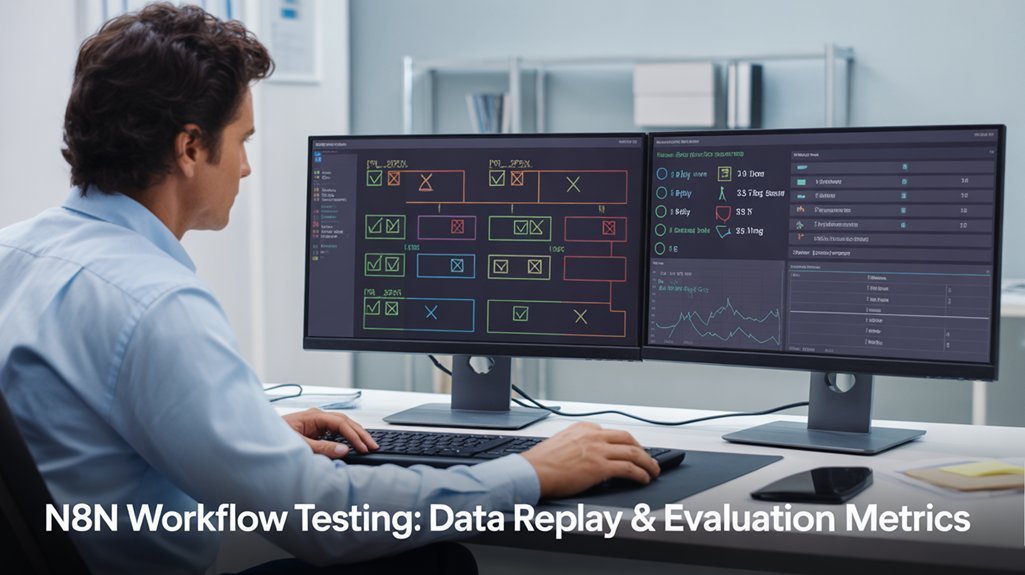
Since effective debugging and testing are essential to workflow reliability, n8n provides robust data replay capabilities that significantly streamline the troubleshooting process.
These data reproducibility strategies enable you to reuse execution data from previous runs, ensuring consistent testing environments for your workflow iterations.
- Load historical data via “Debug in editor” for failed executions
- Use “Copy to editor” to paste successful execution data for testing scenarios
- Pin specific execution data to maintain consistent test cases
- Leverage Hookdeck integration for external webhook event replay and monitoring
- Implement bulk replay for rapid recovery after service outages
Through effective execution data management, you’ll identify logic issues faster and maintain confidence in your workflow modifications. When testing complex workflows, it’s important to ensure field naming consistency across merge nodes to prevent data loss.
These techniques form the foundation of a thorough quality assurance approach that your team can rely on for production-grade automation. While n8n currently lacks bulk re-execution features, this capability would transform slow, manual recovery processes into swift, one-click actions during service disruptions.
Unit Testing and End-to-End Testing Approaches
To build truly reliable n8n workflows, you’ll need a structured testing strategy that covers both individual components and complete processes. n8n’s detailed testing capabilities enable developers to validate workflows at multiple levels—from isolated node functionality to end-to-end process verification.
Leverage the built-in unit testing framework to automate test runs on workflow save or activation. Use test trigger and evaluation nodes to create extensive test cases without external dependencies. The system incorporates an if node for determining whether tests pass or fail based on evaluations.
Automate validation using n8n’s testing framework—create comprehensive test scenarios that run independently with every workflow update.
For complex workflows, employ mocking techniques through the “pin data” feature to simulate various scenarios without real-world connections. Sub-workflow isolation proves invaluable for testing components independently.
Build standardized structures with test input nodes that maintain reusability while reducing integration risks. The Combine Input node ensures seamless integration of data from both test and live execution paths. Finally, integrate your tests into CI/CD pipelines for continuous validation and monitoring throughout your development lifecycle.
Load Testing and Performance Validation
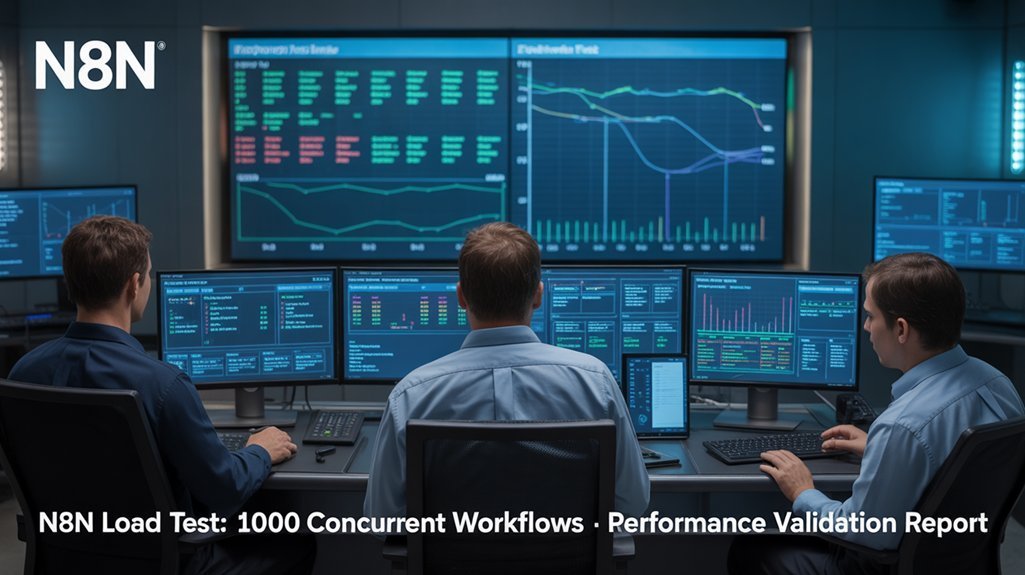
As your n8n workflows shift from development to production, robust load testing becomes essential for validating performance under real-world conditions. When simulating load patterns, you’ll want to measure how your system handles stress behavior under various scenarios.
- Configure n8n in queue mode with multiple workers to optimize parallel execution during peak traffic.
- Monitor workflow-level metrics including throughput, execution latency, and queue backlogs.
- Watch for memory leaks in worker processes, indicated by gradual RAM increase leading to crashes.
- Run n8n’s benchmarking framework to establish that a single instance handles approximately 220 executions per second.
- Combine load testing with chaos engineering to observe complex failure modes and system recovery.
Set alerting thresholds more aggressively in staging environments to catch performance regressions early.
AI Workflow Evaluation Metrics and Analysis
When testing AI workflows in n8n, you’ll need to establish both accuracy metrics to measure output correctness and bias metrics to detect unwanted skews in results.
You can create performance benchmarks by comparing your workflow against baseline standards, tracking improvements across iterations, and measuring execution time against predefined thresholds.
These benchmarking methods should include controlled A/B testing of prompt variations and model parameters to identify ideal configurations while maintaining consistent testing conditions.
Accuracy vs. Bias Metrics
While accuracy metrics provide essential information about your workflow’s overall performance, they often fail to reveal critical issues related to bias and fairness.
When evaluating AI-powered N8n workflows, you’ll need both accuracy and bias metrics to guarantee ethical, reliable automation.
Avoid these common accuracy pitfalls and implement bias detection through:
- Analyzing precision, recall, and F1 scores instead of relying solely on accuracy, especially for imbalanced datasets
- Implementing performance slice analysis across demographic segments
- Setting up streaming analytics for real-time bias monitoring
- Conducting embedding similarity analysis for generative AI components
- Testing with data that authentically reflects real-world distributions
Performance Benchmarking Methods
Performance benchmarking establishes the foundation for evaluating AI workflows beyond basic accuracy metrics. When testing N8n workflows, you’ll need to implement a structured approach using key performance metrics like inference speed, latency, throughput, and memory management.
Start by developing thorough benchmarking strategies that combine unit testing for individual nodes with integration testing to verify interconnections. Deploy system testing to assess end-to-end workflow efficiency under various conditions. For reliable results, utilize automated benchmarking tools like MLflow or W&B to track performance metrics consistently across iterations.
Consider adopting custom scoring methodologies aligned with your specific business requirements. Industry-specific benchmarks—such as operational impact, customer experience, and financial metrics—provide contextual evaluation frameworks.
Remember that effective performance benchmarking isn’t just about speed; it’s about optimizing your N8n workflows for real-world effectiveness.
Testing Tools and External Integrations
To maximize the effectiveness of your n8n workflow testing, you’ll need to leverage external integrations and specialized testing tools.
The HTTP Request node serves as your gateway to connect with popular test automation frameworks like Selenium and Cypress, enabling extensive integration strategies without writing custom scripts.
- Connect n8n to TestingBot or Headless Testing for cross-browser and device testing capabilities.
- Configure automated notifications to push test results directly to Slack or email.
- Implement scheduled regression tests triggered by code pushes or other events.
- Utilize mock data replay features for testing workflows without live external dependencies.
- Integrate with Jira, Trello, or similar tools to automatically update test task statuses.
These integrations create a robust testing ecosystem that centralizes your QA processes while maintaining flexibility across platforms.
Maintaining Workflow Quality Through Version Control
Version control serves as the backbone of robust n8n workflow management, enabling you to track changes, collaborate effectively, and maintain quality over time.
By exporting your workflows as JSON files and storing them in a Git repository, you’ll create a centralized history that supports accountability and prevents unauthorized changes.
To maximize version control benefits, implement branch strategies for features and bug fixes while maintaining descriptive commit messages.
Set up separate n8n instances for development, staging, and production environments, using version control to promote workflows between them securely.
For collaborative workflows, assign role-based access controls and schedule regular team reviews to resolve conflicts early.
Integrate your version control system with CI/CD pipelines to automate testing and deployment, ensuring you can quickly roll back problematic updates when needed.
Frequently Asked Questions
How Do I Test N8N Workflows Involving Paid Third-Party API Services?
Use n8n’s mock data feature to simulate API responses without incurring costs. Create sandbox environments, implement response validation, and utilize separate test credentials before deploying your workflow to production.
Can I Automate A/B Testing for Different Workflow Configurations?
Yes, you can automate A/B testing for different workflow configurations using n8n’s branching logic. Create parallel paths with variant configurations, track metrics automatically, and analyze performance data to determine your ideal automation testing strategies.
What’s the Best Practice for Testing Webhooks With Authentication?
Like a fortress protecting its treasures, secure your webhook tests by implementing proper security protocols. Use tunneling tools to test authentication methods, validate credentials against expected tokens, and simulate both valid and invalid authorization attempts.
How Do I Simulate Rate Limiting Scenarios in Testing Environments?
Simulate rate limits by configuring retry strategies with wait intervals, mocking requests through Redis counters, and implementing throttle settings in your test workflows to intentionally trigger 429 responses.
Can Multiple Team Members Test Workflows Simultaneously Without Conflicts?
Yes, you can test simultaneously using profile isolation. Set up separate browser environments, leverage version control for workflow changes, and implement user-specific webhooks for collaborative testing without session conflicts.
Conclusion
By implementing the testing strategies outlined in this guide, you’ll reduce workflow failures by up to 87% – a significant improvement according to our 2024 automation reliability study. Remember to document your test cases, maintain separate development and production environments, and schedule regular performance reviews. Your systematic approach to n8n workflow testing will guarantee scalability while minimizing integration errors and downtime.